Free Online Invoice Generator: Create and Download a Professional Invoice in Minutes
A free online invoice generator helps you create professional invoices, calculate totals and taxes, and download your invoice as a PDF without installing software or signing up for an account. Whether you're a freelancer sending your first invoice, a consultant billing a client, or a small business managing regular payments, creating an invoice shouldn't be complicated. With Invohq, you can create and customise invoices directly in your browser. Add your business details, enter client information, list your products or services, and download a professional invoice in just a few minutes. No signup. No watermark. No unnecessary steps.
Published · Last reviewed .
By Dealer, CMO · CMO by default.
Key takeaway
The best part? You can create unlimited invoices without worrying about monthly invoice limits.
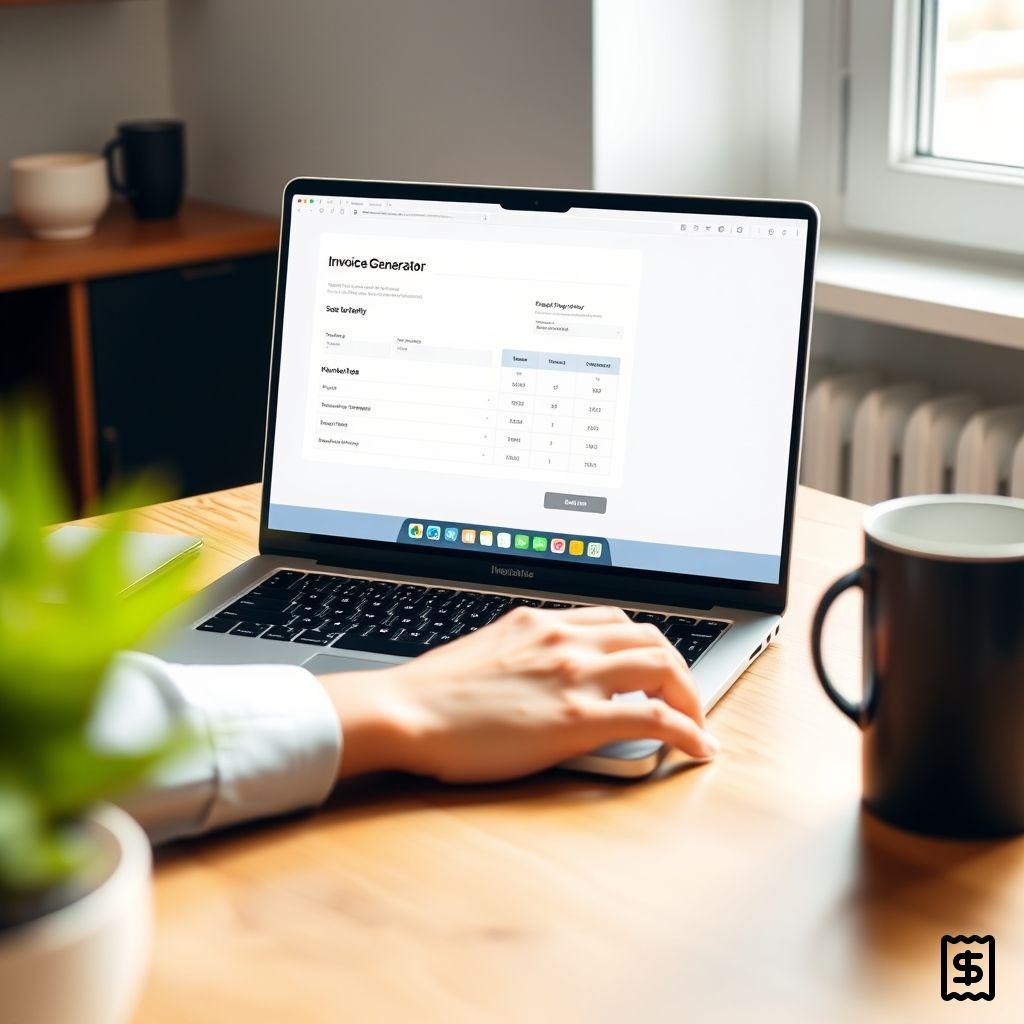
How Does a Free Online Invoice Generator Work?
An online invoice generator simplifies the process of creating invoices by automatically formatting your information into a professional document. Instead of creating an invoice manually in Word or Excel, you can use an invoice generator to enter your details and let the tool handle the formatting and calculations. Here's how the process typically works:
- Enter your business details: Add your business name, address, contact information and logo.
- Add client information: Include your client's name, business details and billing address.
- List products or services: Enter the description, quantity and rate for each item.
- Add taxes and discounts: Apply relevant tax percentages and discounts to calculate the final amount.
- Review your invoice: Check the invoice number, dates, payment details and total amount.
- Download your PDF: Generate a professional invoice that you can share with your client.
With an online invoice generator like Invohq, you can complete these steps directly in your browser without creating an account. Create an Invoice in Minutes with Invohq: Skip the manual formatting and calculations. Use Invohq to create a professional invoice that's ready to download and share.
Free Online Invoice Generator vs. Paid Invoicing Software
Not every freelancer or small business needs a complete accounting platform. Tools such as QuickBooks, Wave and Zoho Invoice offer features beyond basic invoice creation, including bookkeeping, client management, recurring billing and payment tracking. However, these additional features may not be necessary if you simply need to create and download an invoice. A free online invoice generator is often a more practical option when you want to:
- Create an invoice for a one-time project.
- Bill a client without setting up an account.
- Generate a PDF quickly.
- Avoid monthly subscriptions for basic invoicing.
- Create invoices without installing additional software.
The right tool depends on how frequently you invoice and what features your business actually needs.
Free Online Invoice Generator vs. Invoice Simple, Wave and Zoho Invoice
Several invoicing tools offer free plans, but their features, account requirements and limitations differ. Here's what to consider when comparing them.
| Tool | What to consider | Best suited for |
|---|---|---|
| Invohq | Free invoice creation, no signup and PDF downloads | Freelancers and businesses needing quick invoices |
| Invoice Simple | Free-plan usage limits and account requirements | Mobile-first freelancers |
| Wave | Invoicing alongside bookkeeping and payment features | Small businesses managing finances |
| Zoho Invoice | Client management and invoicing within the Zoho ecosystem | Businesses already using Zoho products |
Note: Pricing, free-plan limits and available features can change. Check each provider's official website for the latest details.
What Makes a No-Signup Invoice Generator Different?
The biggest difference is convenience. Account-based invoicing platforms are useful when you need to maintain client records, manage recurring invoices or track payments over time. But if you only need to create an invoice and download it, creating an account can feel like an unnecessary extra step. With Invohq, you can:
- Start creating invoices without registering.
- Add your business and client information.
- Customise your invoice.
- Download your invoice as a PDF.
- Create invoices without monthly usage restrictions.
You get the essential functionality without having to commit to a full invoicing platform.
Why Choose an Invoice Generator That Doesn't Require Signup?
Creating an invoice is a simple business task. You shouldn't have to go through multiple registration steps just to generate one document. A no-signup invoice generator removes unnecessary friction and lets you focus on getting your invoice ready. Here are a few reasons why this matters.
1. Create Invoices Without Delays
You don't need to register, verify your email or remember another password. Open the invoice generator, enter your details and start creating your invoice.
2. No Monthly Invoice Limits
If you work with multiple clients or handle projects throughout the month, invoice limits can become frustrating. A genuinely unlimited invoice generator lets you create invoices whenever you need them without worrying about reaching a monthly cap.
3. Download Professional PDF Invoices
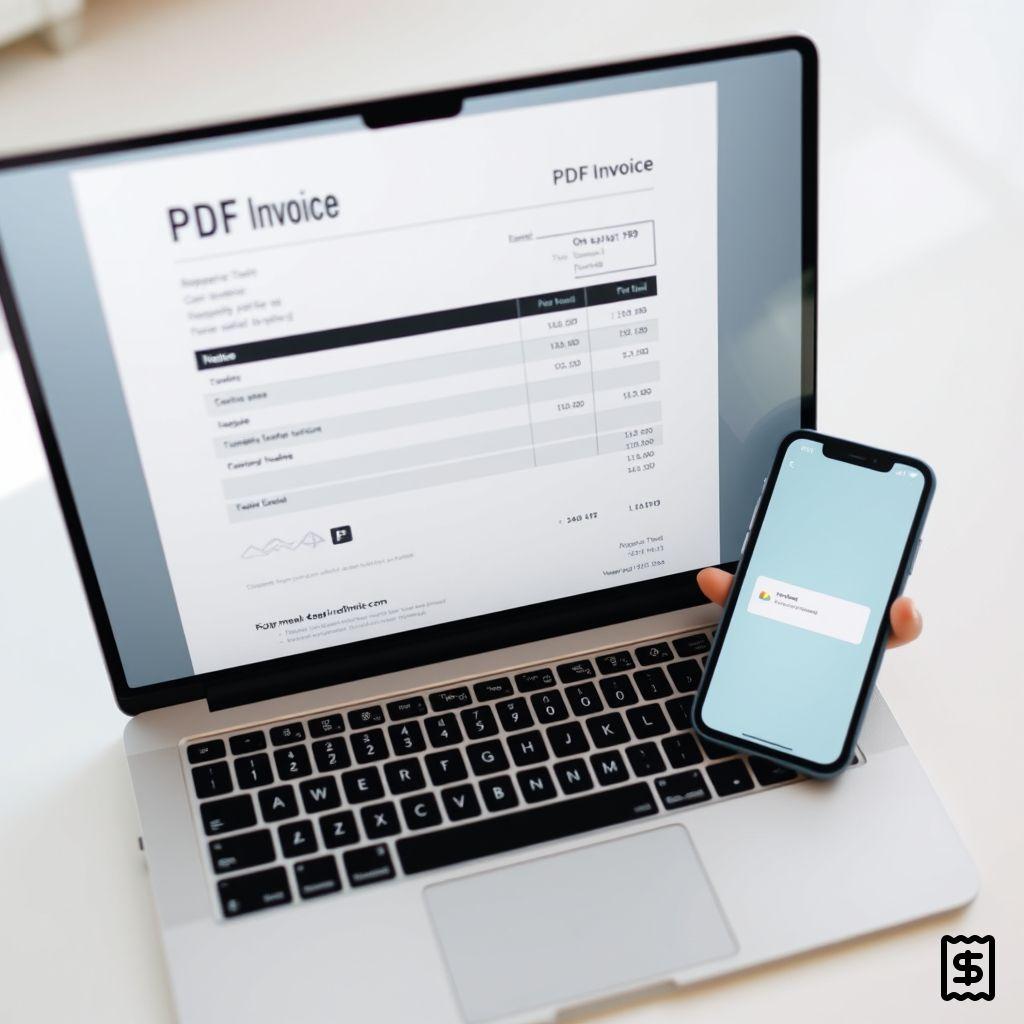
Your invoice represents your business. A properly formatted document makes it easier for clients to understand the services provided, the amount due and the payment details. Invohq helps you create clean, professional invoices that you can download and share with clients.
4. No Software Installation
You don't need to download accounting software or install additional applications. You can access the invoice generator directly through your browser.
5. A Simpler Invoicing Experience
Not every business needs advanced accounting features. Sometimes, all you need is a straightforward way to create an invoice, calculate the total and download the final document. That's exactly where a lightweight invoice generator makes sense.
Choosing the Right Free Invoice Generator for Your Business
The right invoicing tool depends on your business requirements, invoice frequency and the features you need. Here's how different professionals can approach the decision.
Freelancers
Freelancers often work with multiple clients across different projects. A simple invoice generator helps them create professional invoices without spending time formatting documents manually. Whether you're a graphic designer, content writer, developer or marketing consultant, you can use an invoice generator to bill clients for your work.
Consultants
Consultants may invoice clients for hourly work, monthly retainers or project-based services. A professional invoice should clearly communicate the services delivered, billing period, agreed fees and payment terms.
Contractors
Contractors frequently need to bill clients for labour, materials and completed projects. A flexible invoice generator makes it easier to list individual services, quantities and charges in one document.
Small Business Owners
Small businesses need invoices that clearly communicate what customers are paying for. An invoice generator can help create consistent documents for products, services and other business transactions.
Service-Based Businesses
Photographers, designers, tutors, repair professionals and other service providers can use invoice generators to bill customers after completing a service. Rather than creating a new document every time, they can use an online tool to simplify the process.
What Should a Professional Invoice Include?
A professional invoice should contain all the information your client needs to understand the transaction and make the payment. Before sending an invoice, make sure it includes:
- Business information: Your business name, address and contact details.
- Client information: The name and billing details of the person or business receiving the invoice.
- Invoice number: A unique reference number for identification and record-keeping.
- Invoice date: The date on which the invoice is issued.
- Due date: The deadline for completing the payment.
- Description of services or products: A clear breakdown of what you're charging for.
- Quantity and rate: The quantity of items or hours worked and their respective prices.
- Taxes and discounts: Applicable taxes and any discounts offered.
- Total amount due: The final amount payable by the client.
- Payment information: Your preferred payment method and relevant payment details.
Including these details helps avoid confusion and makes your invoice easier to process.
Can a Free Invoice Generator Calculate GST, VAT and Other Taxes?
Yes, many online invoice generators support percentage-based tax calculations. Depending on the tool, you can enter a tax percentage and have it applied to your invoice automatically. For example, if you're creating an invoice for a service worth ₹10,000 and applying 18% GST, the calculation would look like this:
| Description | Amount |
|---|---|
| Service charges | ₹10,000 |
| GST (18%) | ₹1,800 |
| Total amount | ₹11,800 |
Tax requirements differ depending on your country, business registration and the nature of the transaction. For example, businesses in India may need to include GSTIN, place of supply and applicable CGST, SGST or IGST details where required. Businesses invoicing international clients may need to consider VAT or other applicable tax rules. Always verify your tax obligations before sending an invoice. A basic percentage calculator does not replace tax compliance advice.
Free Invoice Generator vs. Invoice Templates: What's the Difference?
Both invoice generators and invoice templates help you create invoices, but they work differently.
| Feature | Online Invoice Generator | Invoice Template |
|---|---|---|
| Creation | Enter details in a browser | Edit a downloaded file |
| Calculations | Can calculate totals automatically | Usually requires manual calculations or formulas |
| Formatting | Automatically formats the invoice | Depends on the template |
| Customisation | Depends on available options | Can offer more manual control |
| Download | Often available as PDF | Usually Word, Excel or PDF |
| Convenience | Quick and straightforward | Requires editing and formatting |
An invoice template may work well if you prefer working in Word or Excel and want more manual control. However, if you want to create an invoice quickly without dealing with formatting or calculations, an online invoice generator is often more convenient. You can also explore Invohq's invoice templates to find a suitable starting point for your business.
Create Your Free Invoice with Invohq
Creating a professional invoice shouldn't take more time than the work you're billing for. Whether you're a freelancer, consultant, contractor or small business owner, Invohq gives you a straightforward way to create and download invoices online. No signup. No watermark. No monthly invoice limits. Just enter your details, customise your invoice and download your PDF.
Ready to create your first invoice?
Frequently asked questions
Is a free online invoice generator really free?
It depends on the provider. Some tools offer limited free plans and charge for additional invoices or advanced features. Others provide free invoice creation and PDF downloads without requiring a subscription. With Invohq, you can create unlimited invoices without signup or watermarks.
Can I create an invoice online without signing up?
Yes. Some online invoice generators allow you to create invoices directly in your browser without registering or providing an email address. Invohq lets you enter your business and client details, customise your invoice and download the PDF without creating an account.
Can I download my invoice as a PDF?
Yes. PDF is one of the most commonly used formats for sharing invoices because it preserves document formatting across different devices. Invohq allows you to download your created invoice as a PDF so you can share it with your clients.
Can I create unlimited invoices for free?
This depends on the invoice generator. Some platforms limit the number of invoices available on their free plans, while others allow unlimited invoice creation. Invohq offers unlimited invoice creation without monthly invoice caps.
Can I add my company logo to an invoice?
Yes. Adding your business logo helps make your invoice look more professional and consistent with your brand identity. Invohq allows you to add your business logo and customise the appearance of your invoice.
Can I create invoices in different currencies?
Many online invoice generators support multiple currencies. This is particularly useful for freelancers, consultants and businesses working with international clients. Check that the generator supports the currency you need before creating your invoice.
Can I use an invoice generator for GST invoices?
You can use an invoice generator to create invoices containing GST-related tax fields, depending on its functionality. However, you should verify that the generated invoice includes all the details required for your specific GST compliance requirements.
Is an online invoice generator safe to use?
Safety depends on how the tool handles your information. Before using any invoice generator, check its privacy policy and understand whether your information is stored or shared. Invohq is designed to let you create invoices directly in your browser, without requiring an account. Your invoice information stays in your browser.
What's the difference between an invoice and a receipt?
An invoice is a document requesting payment for products or services provided. A receipt is generally issued as confirmation that payment has been received. Both documents are important for business transactions, but they serve different purposes.
Do I need accounting software to create an invoice?
No. You don't necessarily need a complete accounting platform to create a professional invoice. If you only need to generate and download invoices, an online invoice generator may be sufficient. Accounting software becomes more useful when you need additional features such as bookkeeping, expense tracking, recurring billing and financial reporting.
Ready to invoice?
No signup, no watermark, and your details stay in your browser.
Create your free invoice